Tech · 4 Oct 2026 · 2 min read
What happens when you tap Apply
One tap on a phone. Five things happen in the background — and nobody has to chase anyone.
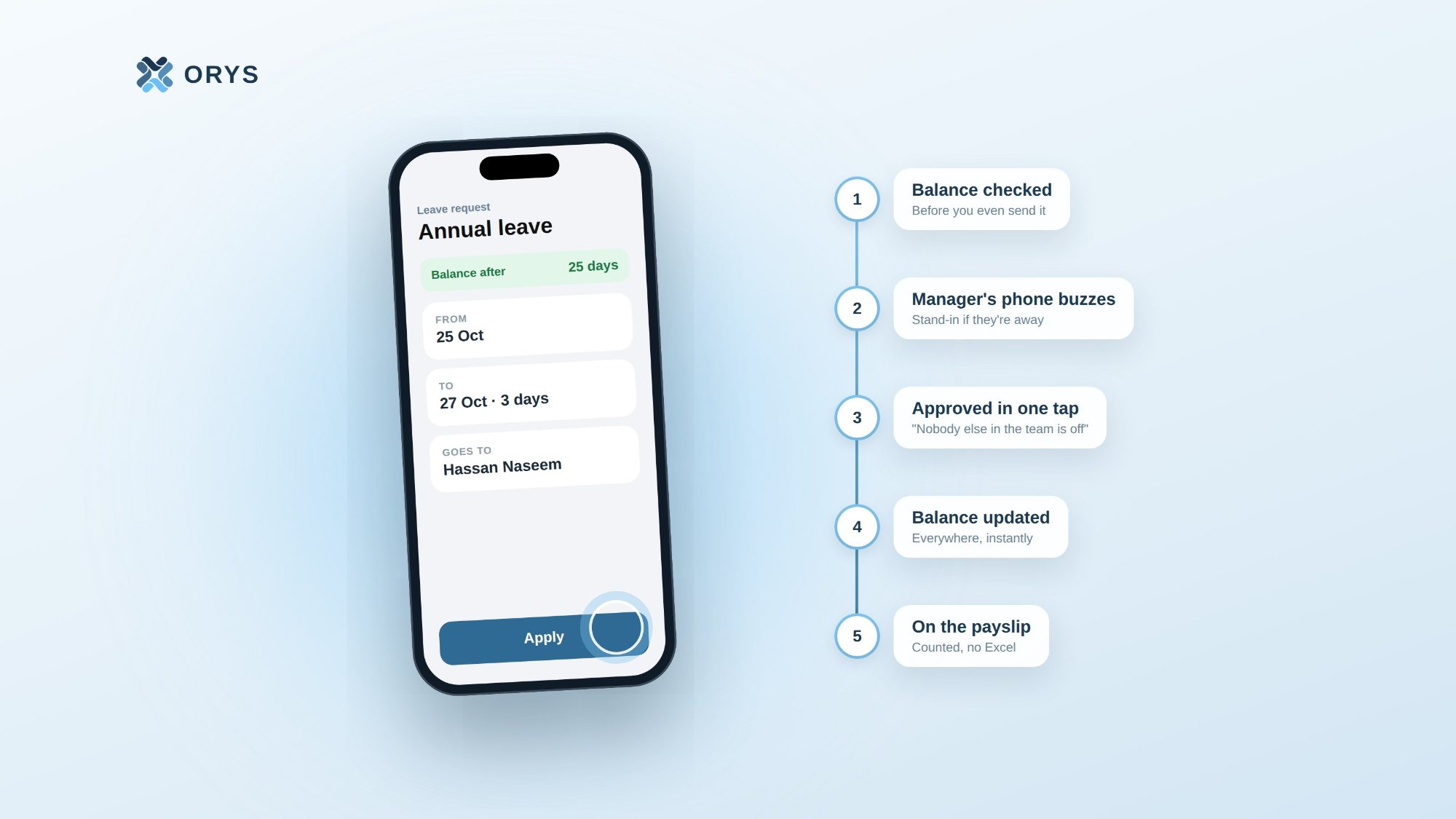
Aishath wants three days off at the end of the month. She opens the ORYS app, picks the dates, and taps Apply.
That's all she does. Here's what happens next.
1. The balance is checked — before she even sends it
While she's still choosing the dates, ORYS shows her the balance she'll have left: 25 days. No guessing, no asking HR "how many days do I have?". If she doesn't have enough, she knows before she asks.
2. The right person's phone buzzes
ORYS already knows who Aishath reports to. Her manager, Hassan, gets a notification on his phone straight away.
If Hassan is on leave himself, the request goes to his stand-in. And if nobody acts for a few days, it moves up to the next manager — so a request never sits forgotten in someone's inbox.
3. The decision comes with the full picture
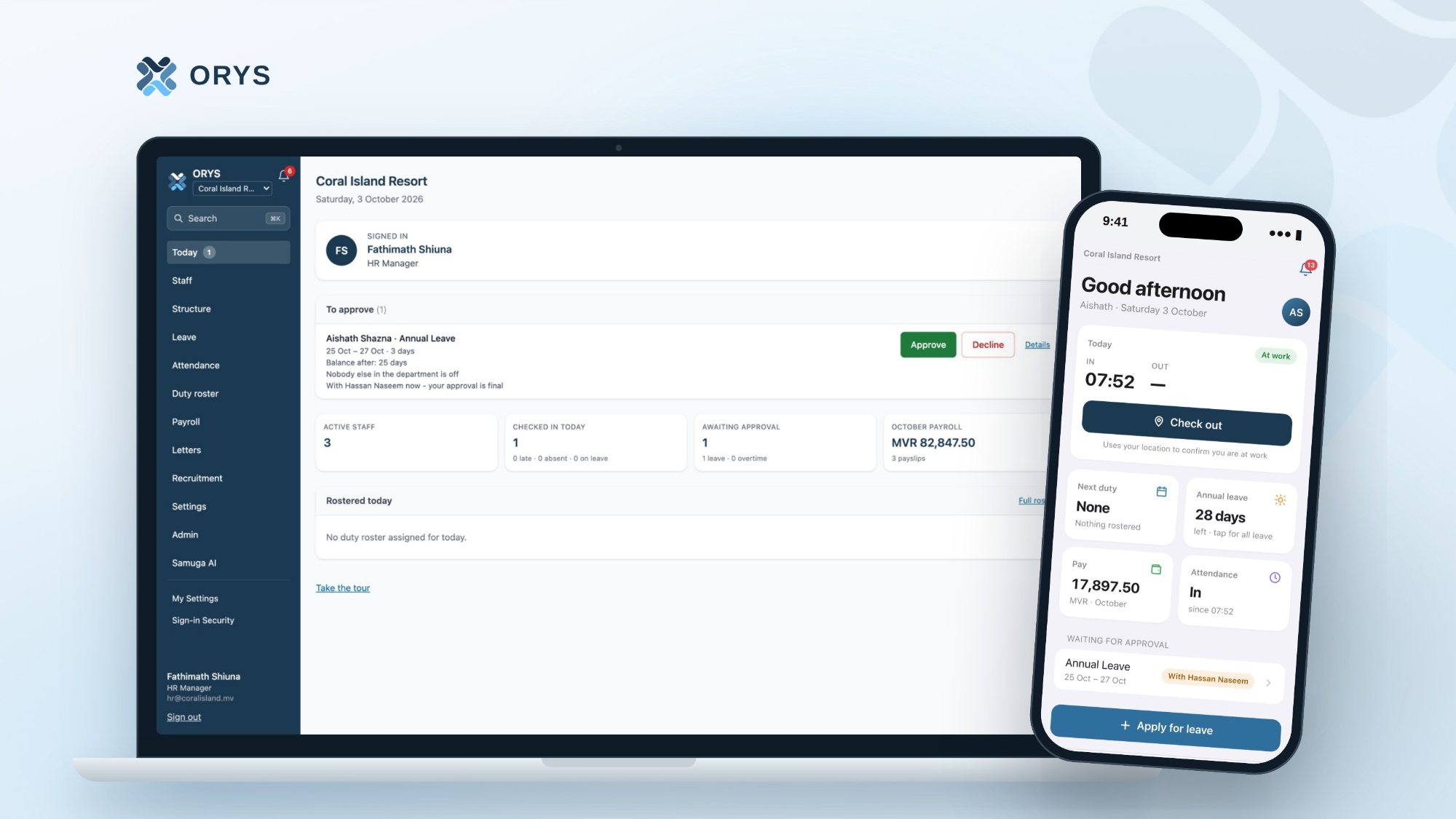
Hassan doesn't just see "Aishath wants leave". He sees the dates, her balance after, and one quiet line that matters most to a manager: "Nobody else in the department is off."
He taps Approve. That's it.
4. Everyone knows, instantly
Aishath gets a notification on her phone. Her balance updates everywhere at once — in her app, on HR's screens, in the team view. The leave shows up for her manager under the team's upcoming leave, so the roster can plan around it.
No one sends a message. No one updates a spreadsheet.
5. It's counted on payday
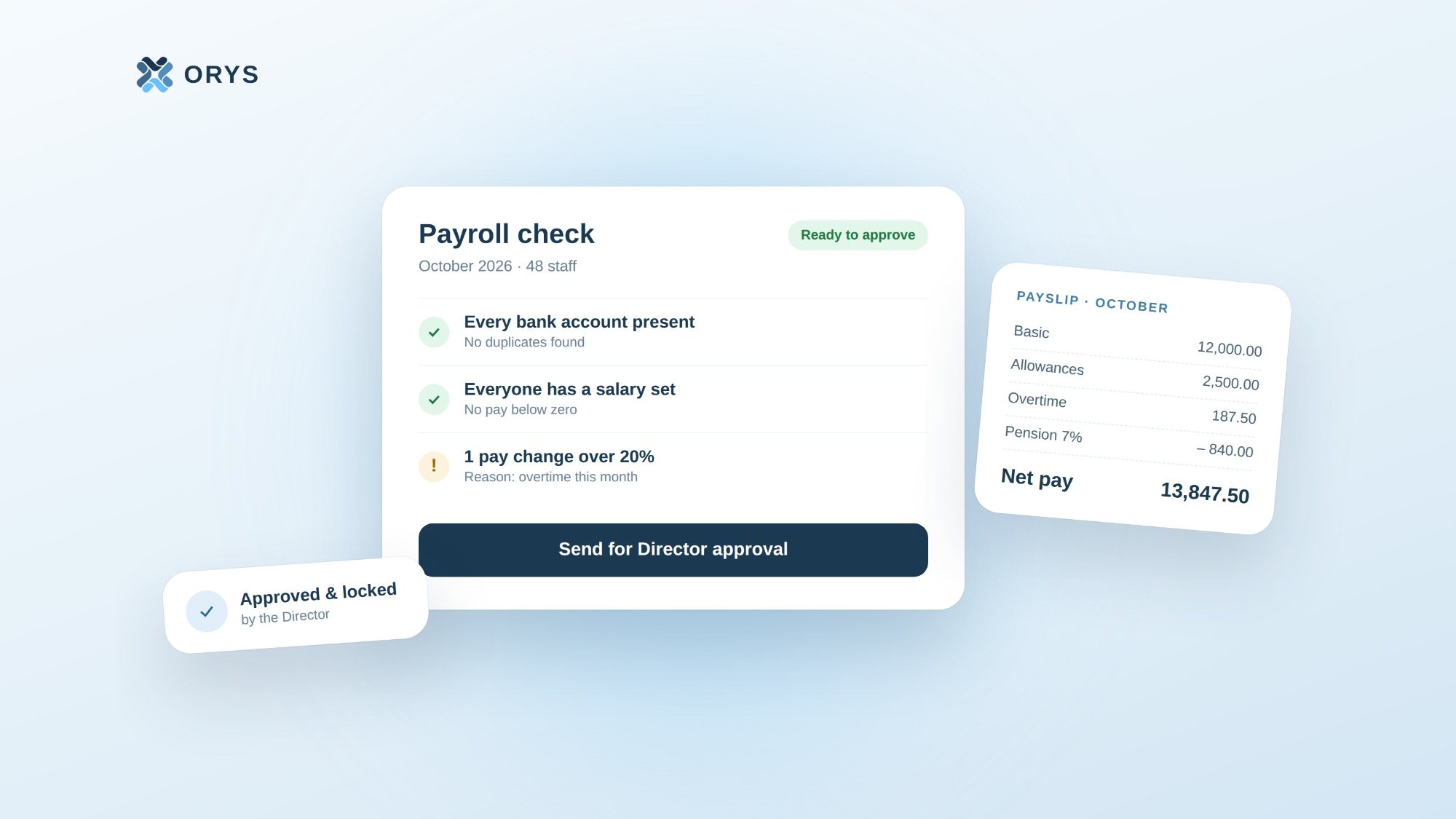
At the end of the month, payroll already knows those three days were approved leave — not an absence. They appear on the second page of Aishath's payslip, next to her attendance and leave balances.
And every step — who asked, who approved, and when — is quietly kept in the Activity Log.
Five steps, zero chasing
It takes Aishath a few seconds. Everything else happens on its own.
That's the kind of HR we're building: the work still gets done — people just don't have to do the chasing anymore.
ORYS is built by Samuga Creative Pvt Ltd, Malé.